
AI Front Office
Stop losing customers when you can’t answer them
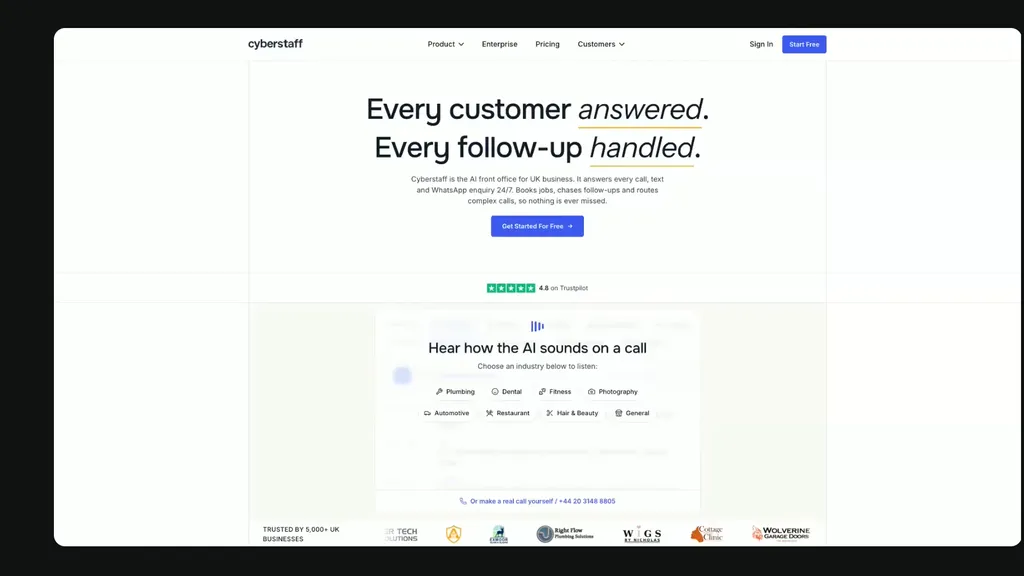
Cyberstaff’s AI answers calls and messages 24/7. It remembers your customers, books appointments, follows up and brings in your team when needed.
Trusted by 5,000+ UK businesses
 4.8 on Trustpilot


















From first contact to next step.
AI handles the conversation, uses what it knows about the customer and your business, then takes the appropriate next step.
Answers
Phone, SMS or WhatsApp.
Remembers
Customer details, previous conversations and notes.
Understands
What the customer needs and the information to collect.
Acts
Books, follows up or routes the conversation to your team.
Records
Keeps the conversation history, transcript and outcome.
Phone & Messaging
Answer customers wherever they contact you.
Handle phone calls, SMS and WhatsApp conversations through the same front office.
Answer every call
AI can answer 24/7, speak multiple languages and handle conversations simultaneously.
Have real conversations by text
Customers can ask questions, respond and continue a conversation rather than simply receive notifications.
Handle conversations on WhatsApp
The same business and customer context follows the conversation there too.
Different channel. Same customer. Same context.
Customer Memory
Every conversation starts where the last one left off.
Cyberstaff recognises returning customers and maintains a shared memory of their conversations, information and notes across phone, SMS and WhatsApp.
Recognises returning customers
Matches customers using details such as their phone number and email address.
Remembers the history
Previous conversations, preferences and important details, so customers don’t have to repeat themselves.
Shared across channels
Whether its a phone call, SMS or Whatsapp conversation - it is all stored against the customer.
Add your own knowledge
Add notes that the AI can remember and use in future conversations.
Bring your existing customers with you
Import your contact list so Cyberstaff can recognise customers from day one.
Bookings & Follow-up
Book appointments and handle the next step.
The AI can use your availability and booking rules to create, change or cancel appointments, then keep the customer updated afterwards.
Find a suitable time
Will check your connected calendar and only offers appointments that fit your rules - appointment types, booking windows, buffer times and minimum notice.
Manage appointments
Create, reschedule and cancel appointments, with the option to confirm them directly or collect a request for human approval.
Continue after the conversation
Send booking confirmations, links and appropriate follow-ups by SMS or WhatsApp.
Routing & Transfers
Route the conversations that need your team.
Set rules for when the AI should handle a conversation itself and when it should transfer the customer to someone in your business.
Route by reason
Different types of enquiry can be handled differently.
Respond to urgency
Urgent intents or keywords can trigger an immediate transfer.
Change behaviour by time of day
Apply different rules during opening hours and out of hours.
Send conversations to the right destination
Route calls to the appropriate person or number for that situation.
Conversation History
Keep a complete record of every conversation.
Calls and messages stay attached to the customer, so your team can see what happened without asking them to explain it all again.
Recordings
Listen back when needed.
Transcripts
Read the full conversation.
Summaries
Get the important points without reading everything.
Notes & history
See your team's notes alongside previous customer contacts.
Control
Tell Cyberstaff how your business works.
Choose when the AI answers, what it knows, what it can book and when your team should step in - using simple settings.
When it answers
Choose how and when the AI handles your phone line.
What it knows
Train it on your business, service and customer information it needs.
What it can do
Define the bookings, follow-up and other actions the AI is allowed to handle.
When it hands over
Choose when a conversation should reach someone in your business.
You shouldn't need to understand AI to set up an AI Front Office.
Integrations
Connect the tools that already run your business.
Cyberstaff can work with your calendars, CRM and business software so customer conversations lead to useful actions in the systems your team already uses.
Book into your calendar
Check availability and create appointments in the calendar your business already uses.
Keep customer information connected
Connect customer systems so useful information and context can move with the conversation.
Fit into your existing workflow
Connect Cyberstaff with the business software your team already relies on.

















Set up your AI Front Office
in 60 seconds.
More calls or custom requirements?
For higher volumes, custom integrations and more complex requirements.
Put Cyberstaff to work for your business.
Set it up yourself and see how it handles real customer conversations.
Rated Excellent on Trustpilot· 7-day free trial · No card required